
How to Mount SMB Shares on Ubuntu 22.04
Source: https://linuxhint.com/mount-smb-shares-ubuntu/
SMB (Server Message Block) is known as the client-server and is used to transfer files and also manage the other machines connected in the same network using the Local Area Network. In the SMB, the shares are those files and folders that are shared and can be accessed by the other machines connected to the same network.
In this blog, a method has been discovered by which we can mount the SMB shares on Ubuntu 22.04.
How to Mount SMB Shares on Ubuntu 22.04
To mount the SMB Shares on Ubuntu, we have to make sure the other utilities and dependencies of SMB shares are installed by using the command:
sudo apt install cifs-utils -y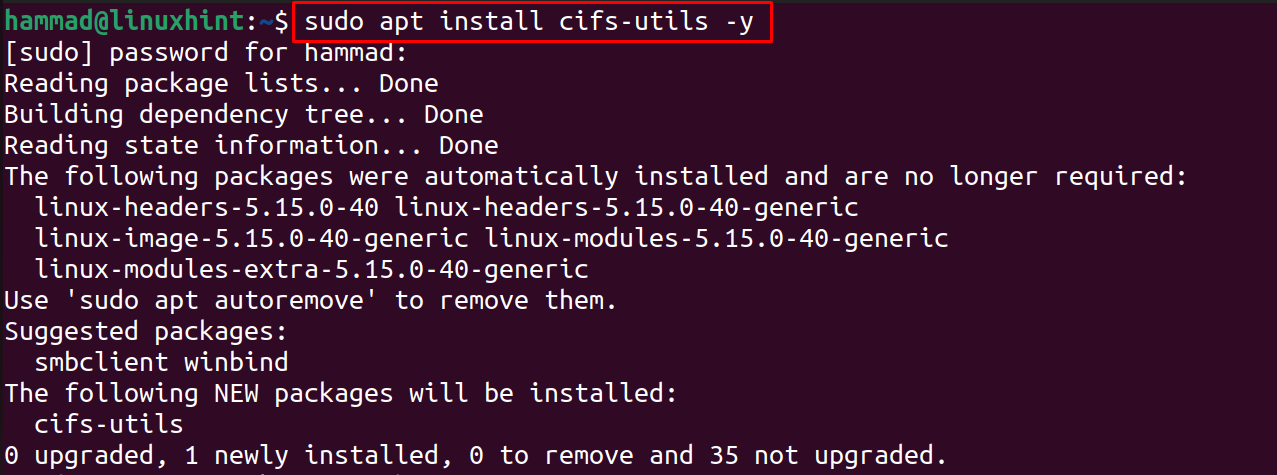
Now, create a directory in which you shared the files and folders which should be accessed by the other machines in the same network:
sudo mkdir /media/share
Next step is to create the credential file but to keep it secure, hide it using the “.” command:
sudo nano /root/.examplecredentials
Copy and paste the below script in the newly opened file:
username=example_username
password=example_password
Save the file by using the CTRL+S and exit the editor using the shortcut with CTRL+X and then change its access permissions using the command:
sudo chmod 400 /root/.examplecredentials
Next step is to find out the IP address of the machine using the command:
ip a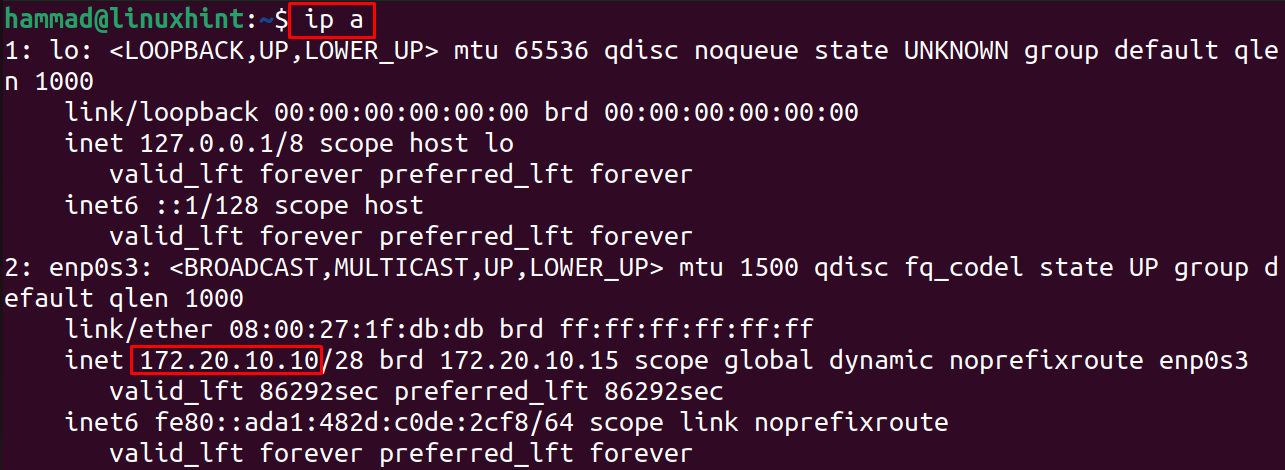
Now run the below-mentioned command by replacing the IP address of the machine:
sudo mount -t cifs -o rw,vers=3.0,credentials=/root/.examplecredentials //172.20.10.10/sharedDir /media/share
Another method to mount the SMB share is by manually, and for this, we have to open the file using the nano text editor:
sudo nano /etc/fstab
A file will be opened, at the end, copy and paste the below-mentioned line by replacing the IP address:
//172.20.10.10/share /media/share cifs vers=3.0,credentials=/.examplecredentials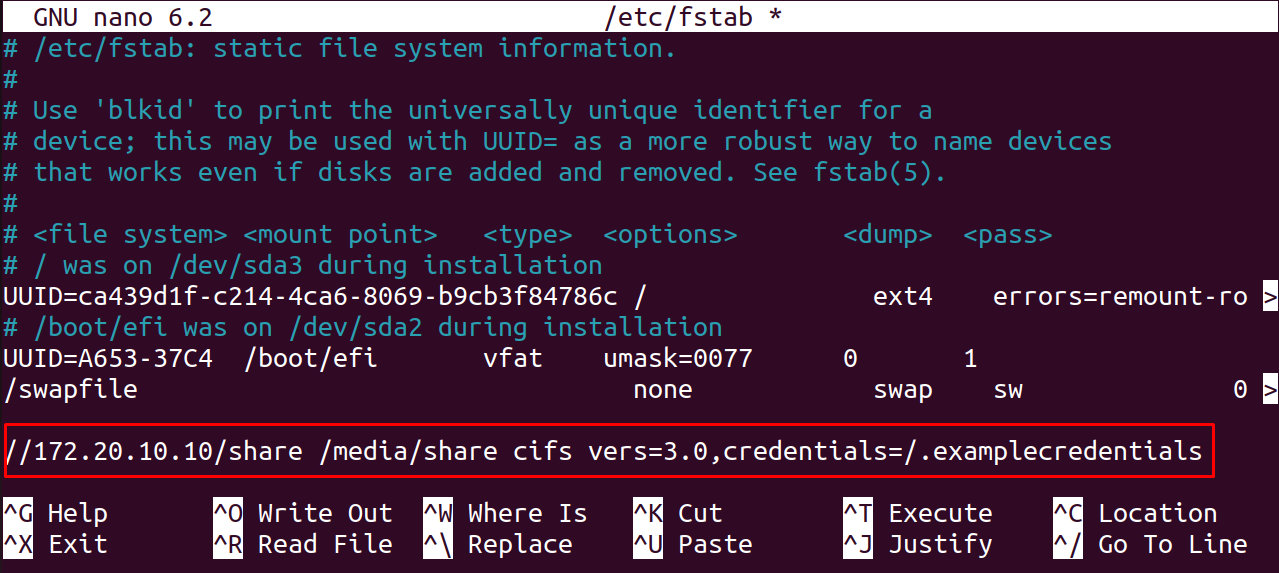
Exit the editor by saving the changes made in the file /etc/fstab.
Conclusion
With the help of the cifs utilities, SMB Shares can be mounted on Ubuntu by installing them with the command “sudo apt install cifs-utils -y”. In this blog, two different methods have been explored of mounting the SMB Shares on Ubuntu 22.04.